
Checklist · School & students
University Laptop Setup in Kigali: What to Buy Checklist
Everything a university student needs around a laptop in Kigali: bag, mouse, power bank, backup drive and more. Shop the full setup checklist.
Updated November 17, 2026 · By Isokko
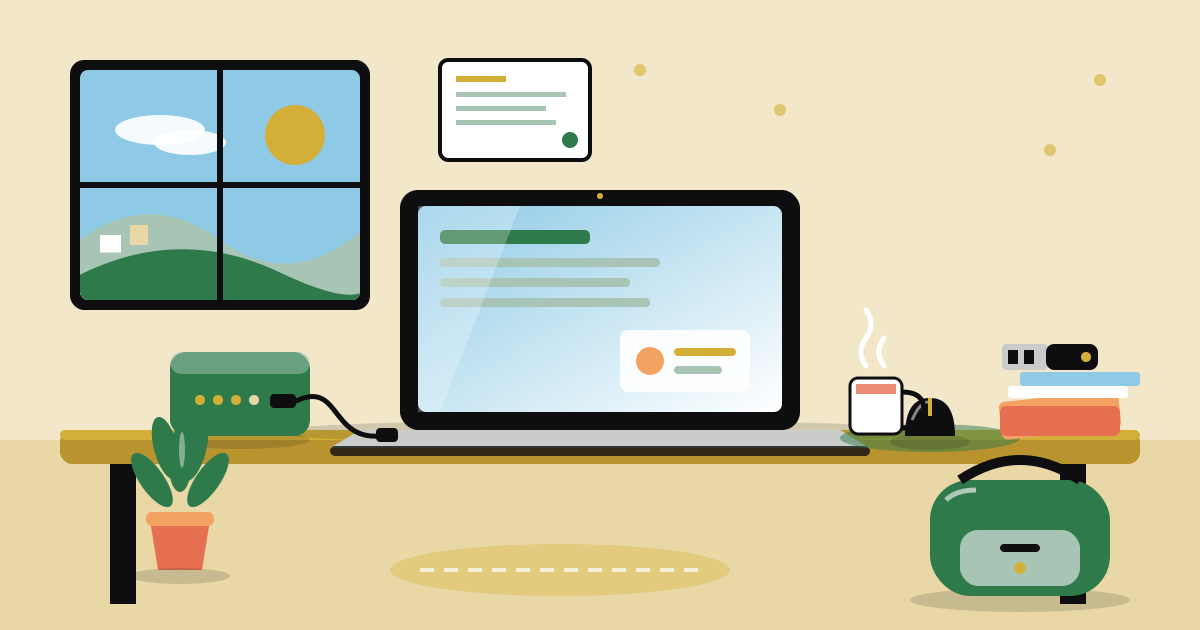
A laptop on its own is only half a setup. In Kigali, power cuts, dusty roads, rain and crowded minibuses all test a student laptop in the first month. The right bag, charger setup and backup habit protect the most expensive thing a student owns.
This checklist covers what to buy around the laptop: protection, power, storage and backup, and the small study items that make long days easier. Items marked must are the ones to buy first. Nice items can wait for the next MoMo top up.
Use it whether you are buying for yourself or for a child starting at university. Check the course requirements first, because some programs ask for a specific laptop type or software.
Who it's for
New and returning university students in Rwanda, and the parents buying for them
Time needed
Shop over 1 to 2 weeks before classes start
When to shop
Buy the laptop first, then the protection and power items, then study gear
On the list
24 items, 11 must haves
0 of 24 ready
The laptop and its first add-ons
Pick the laptop to match the course, then add the few things that stop daily wear.
Laptop
1 Must haveIt is the center of the setup. Courses like engineering, design and data science need more power than courses that mostly use documents and email.
How to use it: Ask the faculty or a senior student what the course needs before you buy. Look at memory, storage and battery life, not only the screen size.
Laptop bag or backpack
1 Must haveHills, rain and crowded buses mean the laptop gets bumped. A padded bag with a zip keeps dust and water out.
How to use it: Choose one with a padded laptop pocket that fits your screen size. Keep the laptop in the pocket, not loose with books.
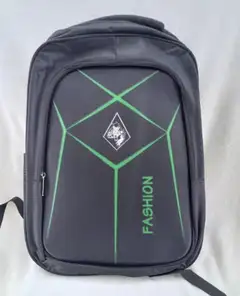 Fashion BagRWF15,000
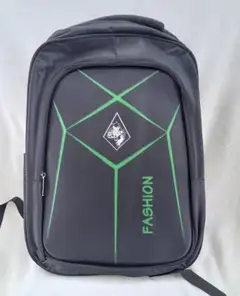 Fashion BagRWF15,000
Laptop stand
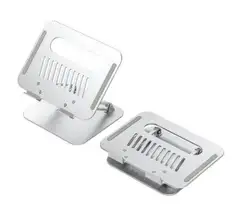
1Nice to haveRaising the screen helps your neck during long study sessions and lets air move under the laptop in warm rooms.
How to use it: Place it on a desk or table and use it with a separate keyboard and mouse for the best posture.
Cleaning cloth
2Nice to haveRed dust settles on screens and keyboards quickly. A soft cloth removes it without scratching.
How to use it: Shut the laptop down, wipe the screen gently with a dry cloth, and never spray liquid directly on it.






Typing and pointing
A separate keyboard and mouse save your wrists and speed up work on long assignments.
Mouse
1 Must haveA mouse is faster and kinder to your hand than a trackpad for long typing and editing sessions.
How to use it: Plug it in or pair it with the laptop. Keep a spare battery if it is a wireless one.
Mouse pad
1Nice to haveIt gives the mouse a smooth surface and protects the desk or table.
How to use it: Put it on a flat, clean surface. Wipe it with a damp cloth when it gets dusty.
External keyboard
1Nice to haveUseful when the laptop sits on a stand. It also gives you a backup if a laptop key stops working.
How to use it: Connect by cable or wireless adapter. Keep it covered when not in use to keep dust out.
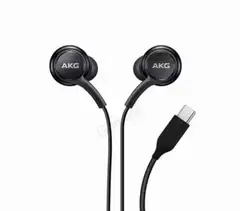
Headphones
1Nice to haveThey let you study in a shared room or hostel, join online classes and listen to lectures without disturbing others.
How to use it: Pick a pair with a built-in microphone for online classes. Keep the cable loosely coiled to avoid breaks.





Power for outages
Power cuts can arrive in the middle of an assignment. Plan for them before they happen.
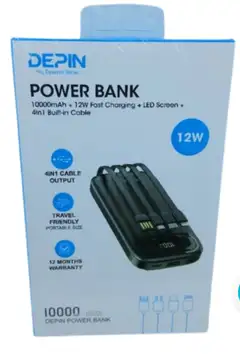
Power bank
1 Must haveIt keeps your phone alive for MoMo, messages and hotspot use when there is no electricity.
How to use it: Charge it fully every night. Check its capacity label and pick one that gives at least two full phone charges.
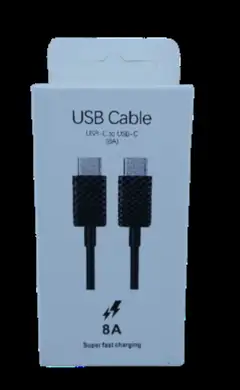
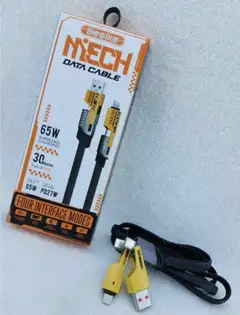
Spare charger cable
2 Must haveCables bend and break at the ends, usually the night before a deadline.
How to use it: Buy a good cable that matches your phone, and keep one spare in your bag.
Multi socket extension
1 Must haveOne wall socket in a hostel or shared room is rarely enough for a laptop, phone and lamp.
How to use it: Plug the laptop into the extension, not several adapters stacked together. Do not overload it with heaters or cookers.
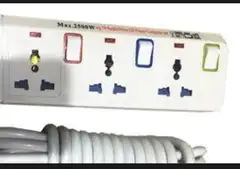 Kidris Multi socket (3 ways)RWF9,600
 Kadris Multi socket (6 ways)RWF13,200
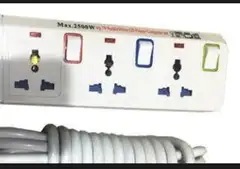 Kadris Multi socket (4Ways)RWF10,800
Small UPS or surge protection
1Nice to haveA sudden cut or surge can damage a charger or lose unsaved work. A UPS gives you a few minutes to save and shut down.
How to use it: Use it for a desktop or the laptop charger. Check the label for the power it can handle.
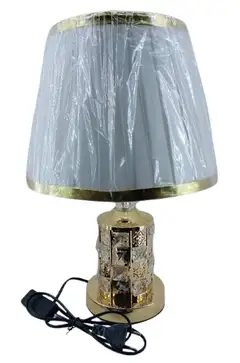
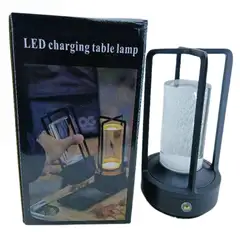
Rechargeable table lamp
1Nice to haveIt lets you keep reading and typing when the lights go out, without draining the laptop battery for light.
How to use it: Charge it when power is on. Put it beside the desk so light falls on your notes.




Storage and backup
Lost files hurt more than a lost laptop. A backup habit costs almost nothing once you own the drive.
Flash drive
1 Must haveIt lets you move assignments to a print shop or a lecturer's computer quickly.
How to use it: Label it with your name. Copy files from it back to your laptop, and do not use it as your only copy.
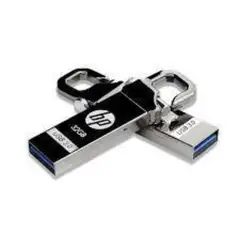 HP USB Flash drive 16GBRWF15,000
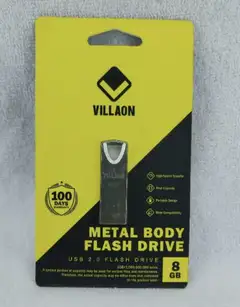 Villaon metal Body fash driver 8GBRWF10,000
 Villaon metal Body fash driver 8GBRWF10,000
External hard drive
1 Must haveIt holds a full copy of your files, photos and projects, so a dead laptop is a bad day, not a lost semester.
How to use it: Copy your important folders to it every week. Store it in a different place from the laptop bag.
Memory card
1Nice to haveUseful for photos, lab data or a phone that is running out of space.
How to use it: Check the card size your phone or camera supports before buying.
Study gear beside the laptop
Paper still matters for lectures, labs and exams.
Notebooks
4 Must haveMany lecturers still ask for handwritten notes, and some exams are on paper.
How to use it: Use one notebook per course and write the date at the top of each page.
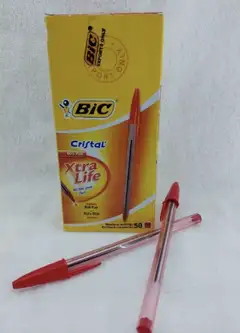
Ball pens
1 box Must havePens run out or get lost every week.
How to use it: Keep a spare in the bag, the room and the exam kit.
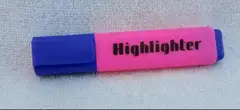
Highlighters
3Nice to haveThey help you mark key points when you revise from notes and printed slides.
How to use it: Use one color for definitions and another for dates or formulas.
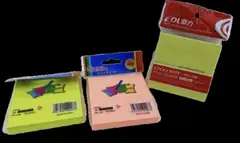
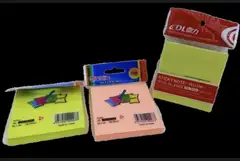
Sticky notes
1 padNice to haveGood for reminders, deadlines and marking pages in textbooks.
How to use it: Stick the next deadline where you will see it every morning.
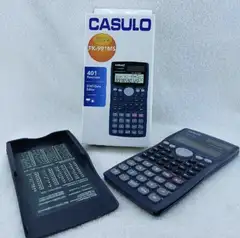
Calculator
1 Must haveMany exams do not allow phones or laptops, but allow a scientific calculator.
How to use it: Check with the department which type is allowed before you buy.
 Kanko scientific calculatorRWF2,500
 Joinus electronic calculatorRWF10,000
Water bottle
1Nice to haveStaying hydrated through long days of lectures and study is easier with a bottle you carry.
How to use it: Fill it every morning and rinse it often.










Keeping it safe
A laptop is a target in crowded places. A few cheap habits help a lot.
Padlock
1Nice to haveIt secures a locker or a bag zip in a shared hostel room.
How to use it: Use it on a cupboard or locker, and keep the key separate from your bag.
 WUZI 70mm Extra Brass PadlockRWF9,000
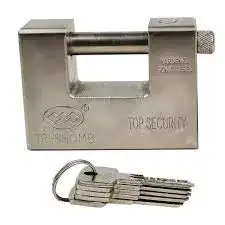 Tri-Rhomb Top Security padlockRWF9,000
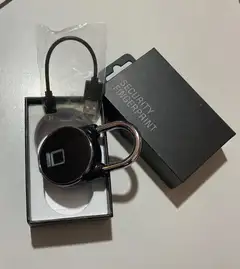 Smart Fingerprint PadlockRWF25,000
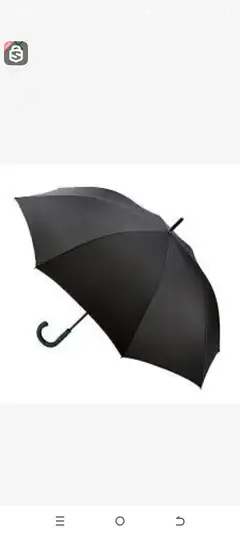
Umbrella
1Nice to haveRain can ruin electronics. During the rainy seasons, it is as important as the bag.
How to use it: Keep a small one in the bag, so you do not need to run with the laptop in the rain.


Step by step
- 1
Before you buy
Ask the faculty what the course needs. Set a budget and decide what must be bought first.
- 2
Buy the laptop and bag
Buy the laptop and a padded bag together, so the laptop is protected from day one.
- 3
Add power items
Add a power bank, a spare cable and a multi socket before the first power cut.
- 4
Set up the backup
Buy a flash drive and a hard drive, then copy your files once a week.
- 5
First week of class
Add notebooks, pens and a calculator once you know what each course asks for.
Tips that help
- Write your name and phone number on a small card inside the laptop bag.
- Charge the laptop and power bank every night, even when you expect power to stay on.
- Back up your files every Friday. Put a reminder on your phone.
- Use a strong password and do not share it with classmates.
- Do not leave the laptop on a bed or sofa while charging. Soft surfaces trap heat.
- Keep food and drinks away from the keyboard.
- Ask senior students which software your course uses before you install anything.
Mistakes to avoid
- Buying the most expensive laptop without checking what the course needs.
- Keeping all files on one device with no backup.
- Carrying the laptop in a bag with no padding and loose items.
- Charging with a cheap, unmarked charger. It can damage the battery.
- Plugging many devices into one overloaded extension.
Questions people ask
What should a university student buy with a new laptop?+
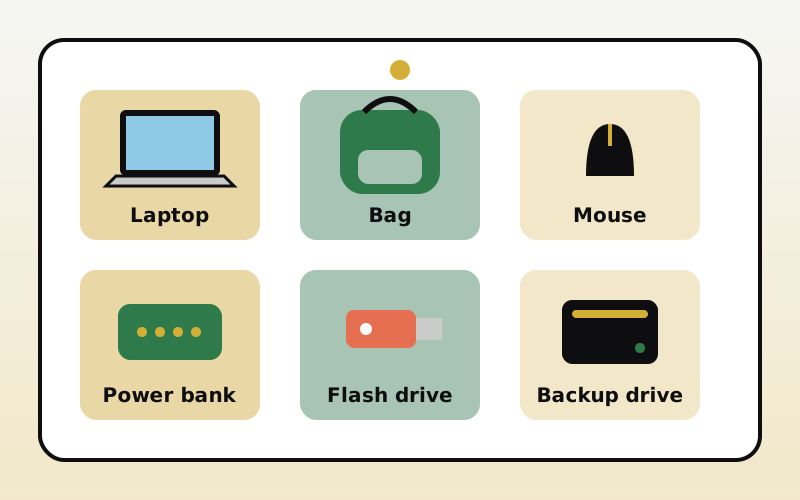
A padded bag, a mouse, a power bank, a spare cable, a flash drive and an external hard drive cover most needs. Add a stand and headphones if the budget allows.
How do I protect a laptop from Kigali power cuts?+
Use a multi socket extension and consider a small UPS or surge protector. Save your work often, and keep a power bank for your phone.
How often should I back up my laptop?+
Once a week is a good habit for students. Copy your assignments and projects to an external drive, and keep a second copy online.
Do I need an external keyboard and mouse?+
They are not required, but they make long study sessions more comfortable. A mouse is the most useful first purchase.
Which items are the first to buy?+
Buy the laptop, a bag, a power bank, a spare cable and a backup drive first. Study accessories can follow once classes begin.
A good laptop setup is not about the most expensive items. It is about protection, power and backup. Shop this list on Isokko and have it delivered in Kigali before classes start.
Shop this list
Get everything delivered in Kigali
Order from local stores on Isokko and pay with MoMo, card or cash. Same-day delivery.